
Edit videos free, in your browser
Trim, merge, add music and more, on any phone or computer. Nothing to install, nothing uploaded.
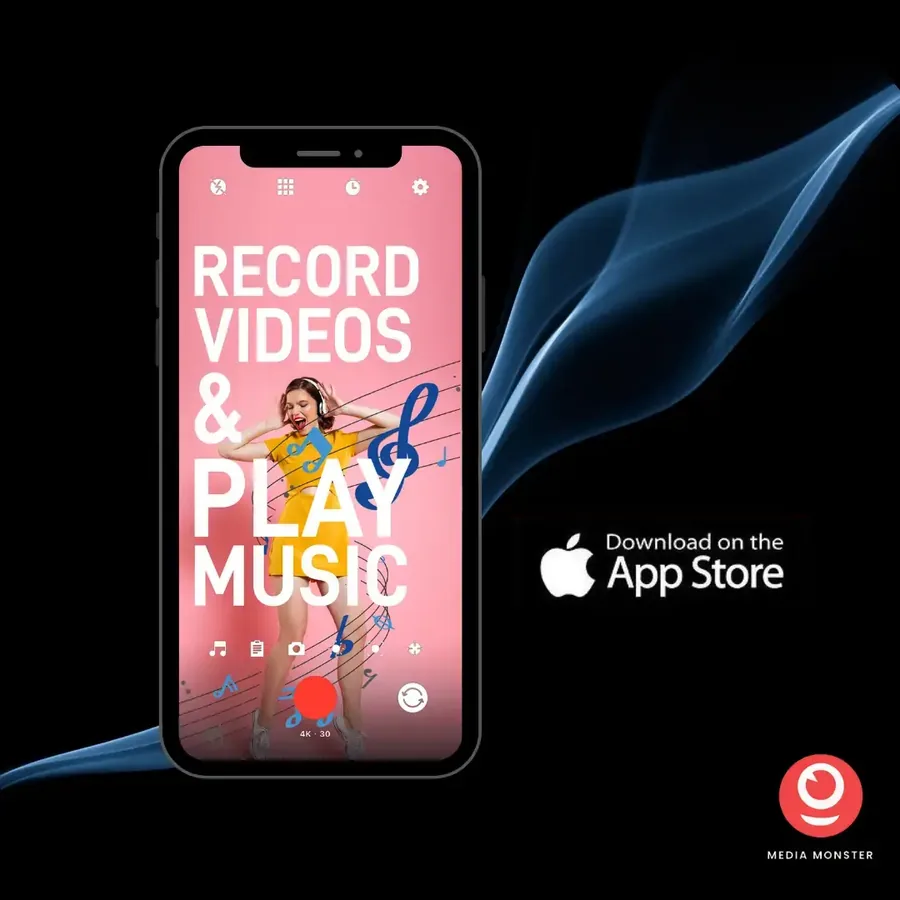
From the makers of Media Monster
The same team makes our iPhone app, downloaded over a million times.
- Media Monster downloads
- 1,000,000+
- Media Monster on the App Store
- 4.6 ★
- App Store ratings
- 2,088
Free web tools
Why people use them
Private
Edited in your browser. Nothing is uploaded, so your videos never leave your device.
Free, no account
Every tool is free, with no sign-up and no watermark.
Any phone or computer
iPhone, Android, Mac, Windows or a tablet: if it has a browser, it works.
Nothing to install
Open a tool and start. You see the result as you go, and save an MP4.
What people say about Media Monster
“This app does exactly what it says. Playing music while recording is a super handy feature!”
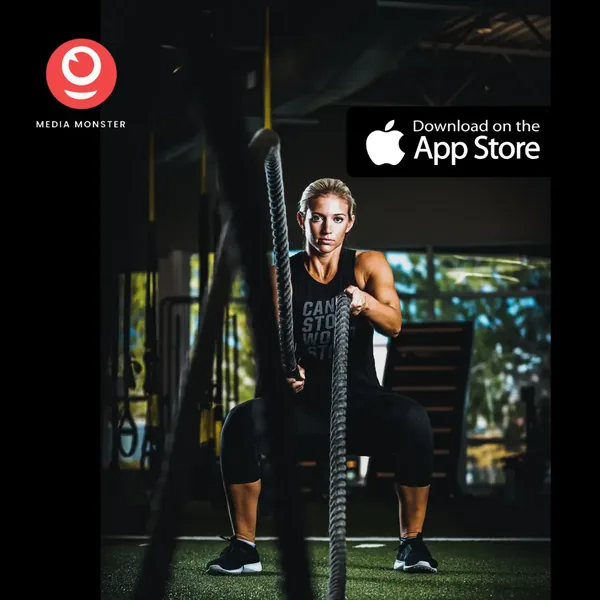
“I use it to record my weightlifting sessions while listening to my music.”
Want more? Get our iPhone apps
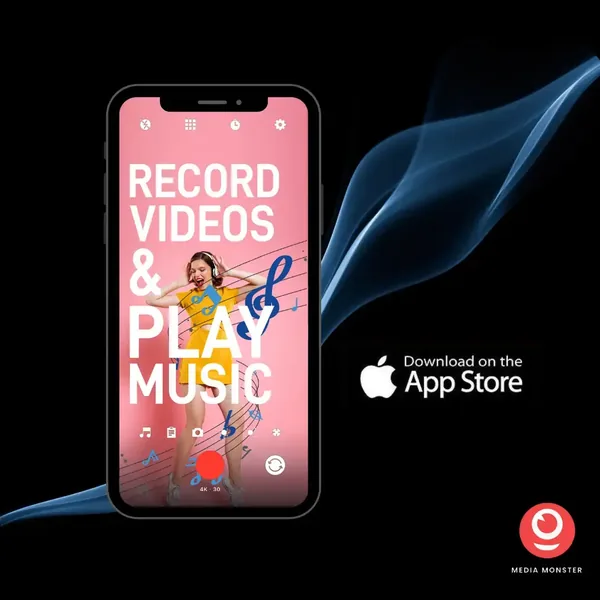
Media Monster keeps the music from any app playing while you film, in HD. Each of our other apps does one job well. All free on the App Store.



Follow us on Instagram
@mediamonsterapp
Questions
Yes. The record tool captures your screen and your webcam, with your microphone, and saves an MP4 that plays on any phone or computer. You can watch the recording as it happens, and keep adjusting the settings after it is made.
Yes. Set a start and an end, and the tool keeps just that part of the clip, with the rest left out. The preview shows the trimmed part as you move the start and end, so you can watch it before you save it.
Yes. The reverse tool plays your clip backwards, and you can watch it in the preview before you save it.
Yes. Choose how many times to repeat the clip, and the tool saves the looped video as an MP4 that plays on any phone or computer.
Yes. Pick a song and place it on the timeline, and the preview plays it where you put it before you save the clip.
Yes. Every tool is free to use, with no account and no limits.
No. The tools work in your browser, so your files never leave your device.
Yes. The result is saved as an MP4, which plays on iPhone and Android phones, tablets and computers.
Yes, it is free to download from the App Store.
Yes. That is what Media Monster is for: music from any app keeps playing while you film.
Ready to edit your video?
Pick a tool and start, free, in your browser. Or get Media Monster on the App Store to record with your music playing.
Start editing, free